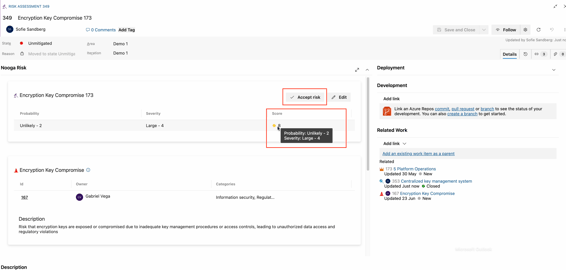
Step 1 - when all associated work has been carried out and completed, you change the status of the Risk treatment work item to "Closed" - click "Save and Close"

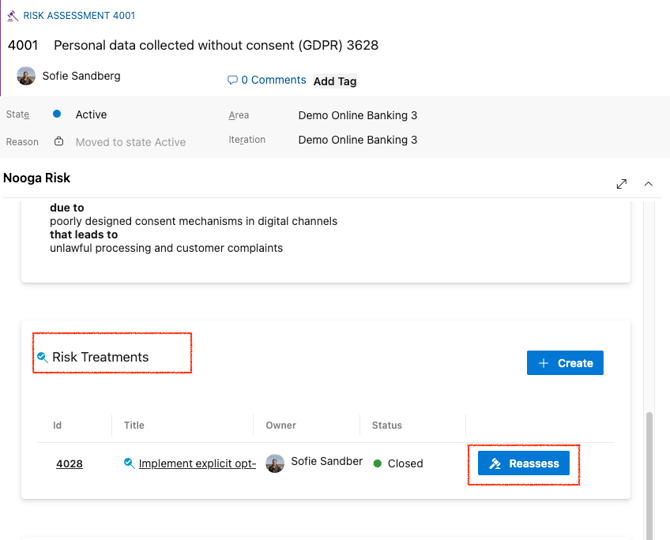
Step 2 - Open the Risk Assessment work item and scroll down to "Risk treatment", click the "Reassess" button.
Step 3 - Change the assessment and click the blue "Save" button in the bottom right corner.

Step 4 - The Risk Assessment Score is updated and you can choose to click the "Accept risk" button if no further actions need to be taken.