
Firstly, make sure you have configured the Risk Matrix tab for the work items you want within your project.
Open the work item and navigate to the Risk Matrix tab.
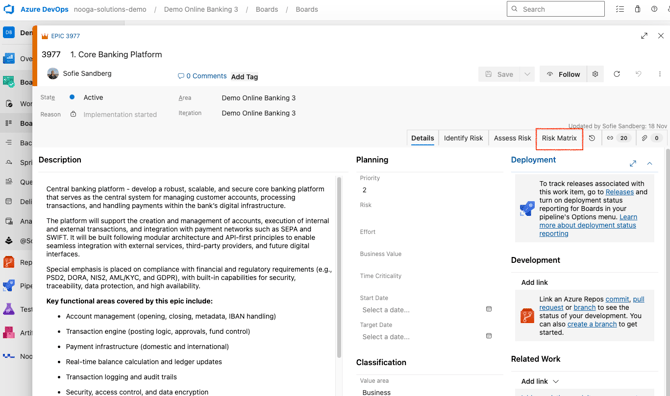
The matrix can be sorted by
- Risk assessments for the specific work item
- Risk assessments for the work item + related or
- Risk assessments for the work item + children
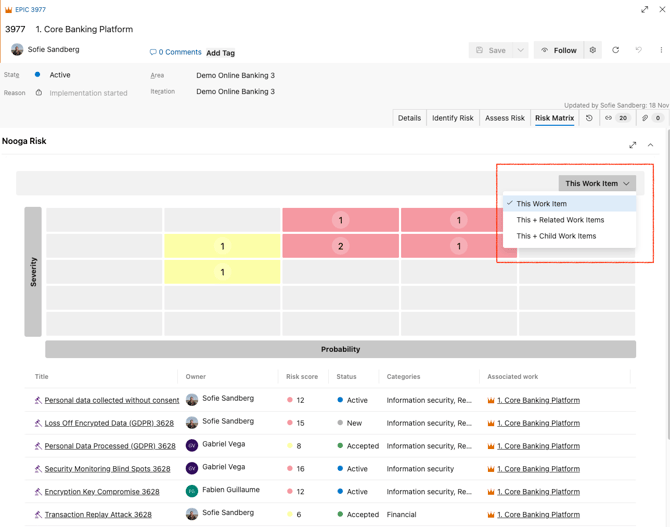
View all risk assessments within a risk score
You can click on any square in the Matrix to view a detailed overview of all risk assessments associated with that specific risk score. The overview includes key details such as the Owner, Status, and the linked work item for each risk assessment.