
The Nooga Scale extension is a licensed product and not sold. The license format is a subscription license where the Licensee can add and remove users based on needs. When a user gets added into the license pool a deduction will be made from the available number of licenses in the subscription.
Nooga Scale licenses are separate from Azure DevOps licenses, where the purpose of the Scale license is to control who gets access to the extension and in what role.
See Understanding and Managing Permissions for details on how the model works.
Request license
When Nooga Scale is loaded with an active subscription, it verifies whether the user holds a license. If the user does not have a license, a prompt appears allowing them to submit a license request. The subscription owner or an Azure DevOps administrator reviews the request, approves access, and assigns the appropriate role to the user.
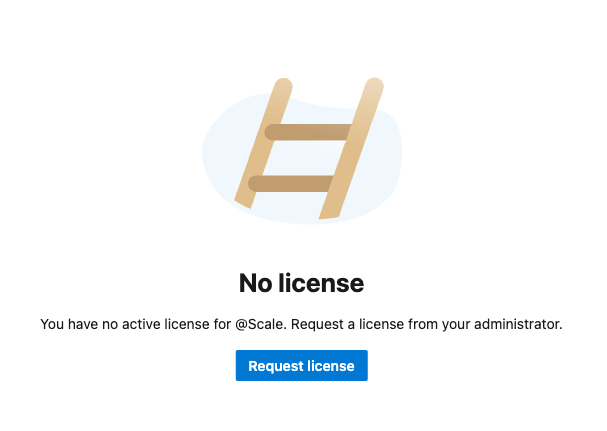
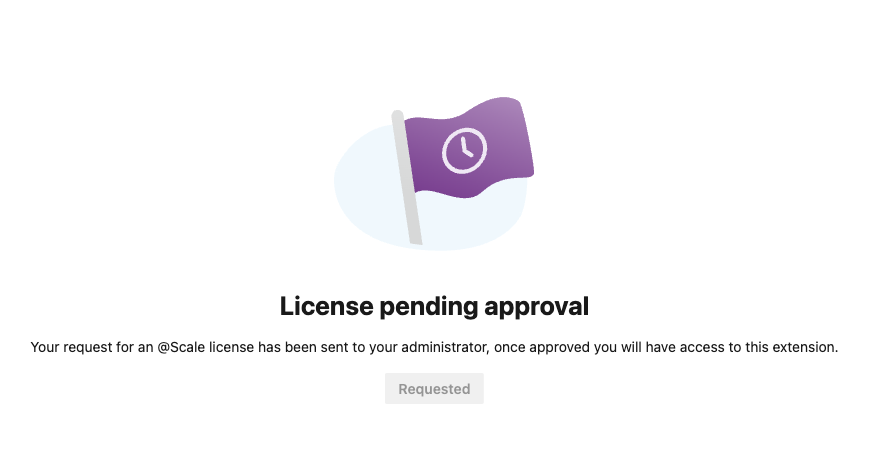
The subscription owner or an Azure DevOps administrator can manage users and assign roles. You manage the licenses from the Nooga Scale admin application.
- Go to the Azure DevOps organization settings
- Click Nooga Scale in the Extensions section (very bottom of the list)
If you want a user to manage Nooga Scale licenses without granting them the Azure DevOps administrator role, you can assign them as a license administrator. This role allows the user to oversee access to Nooga Scale, including adding or removing users, but does not provide broader Azure DevOps administrator privileges.
To assign a license administrator: Click on the Administrator tab and assign and click on add users. 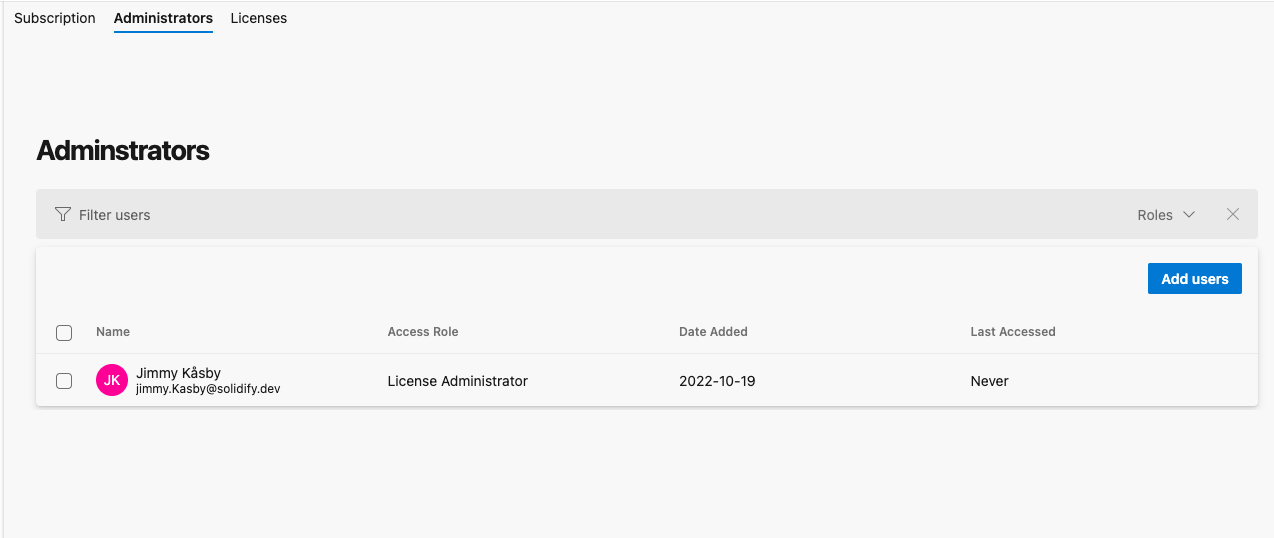
To assign a license and role just click on the Add users button.

Next add users by searching the users directory and select the user should ne assigned to.

If users have requested a license the number of requests shows as a tile on the add users button.

In the add users dialog there is now a pending requests section where the requesting users are shown. Select each user and assign a role from the context menu.

From the list of users you can select a user and from the context menu choose to remove the user.
