
Nooga Portfolio is installed as an extension from the Azure DevOps Marketplace.
Steps
1. Open the Azure DevOps Marketplace
In your browser, navigate to the Azure DevOps Marketplace and find the Nooga Portfolio listing.
2. Click Get
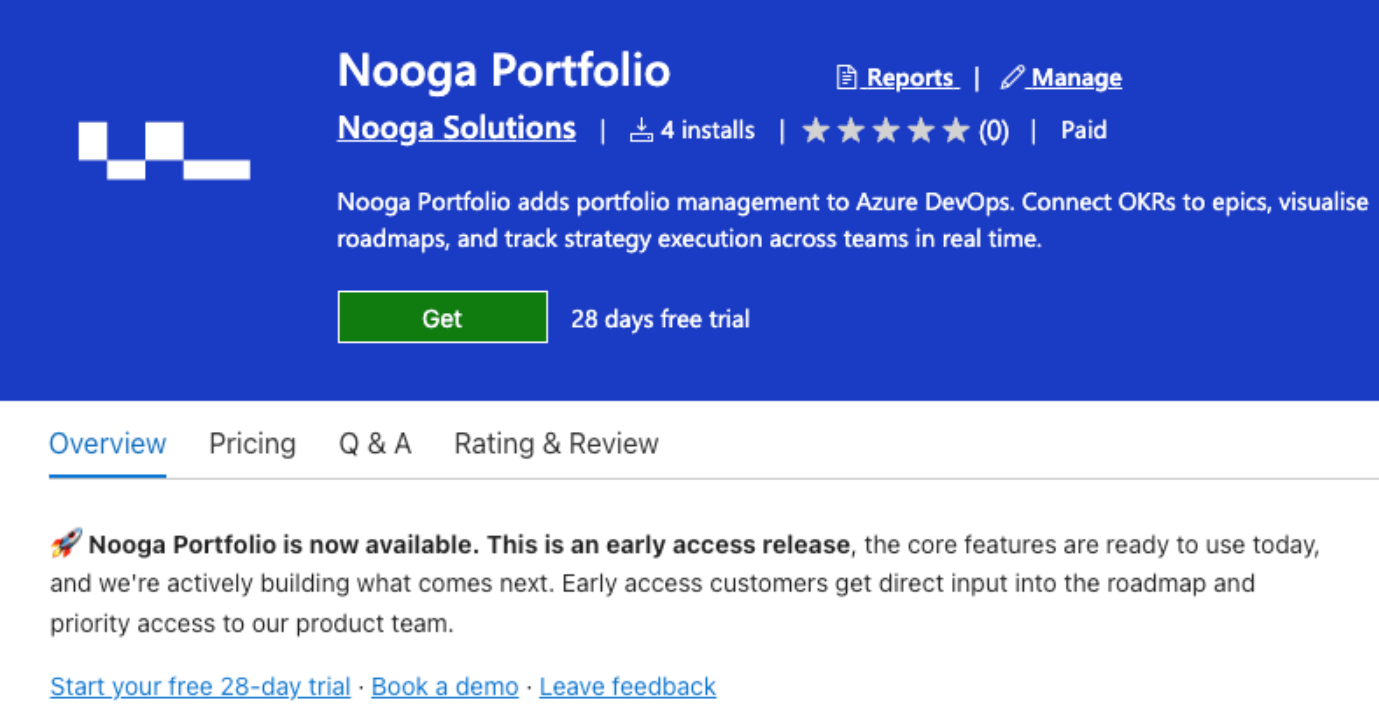
On the extension details page, click the Get button.
3. Select your organisation and proceed
Choose your Azure DevOps organisation from the dropdown, then click Proceed to organisation.
4. Navigate to a project
Open any project in your organisation. You will now see Portfolio in the left navigation menu.
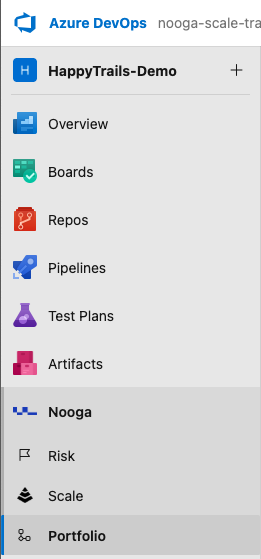
Important: After installation you will land on the Portfolio configuration screen. Do not skip this you must complete initial configuration before data appears. See Configuring the Portfolio Extension.